
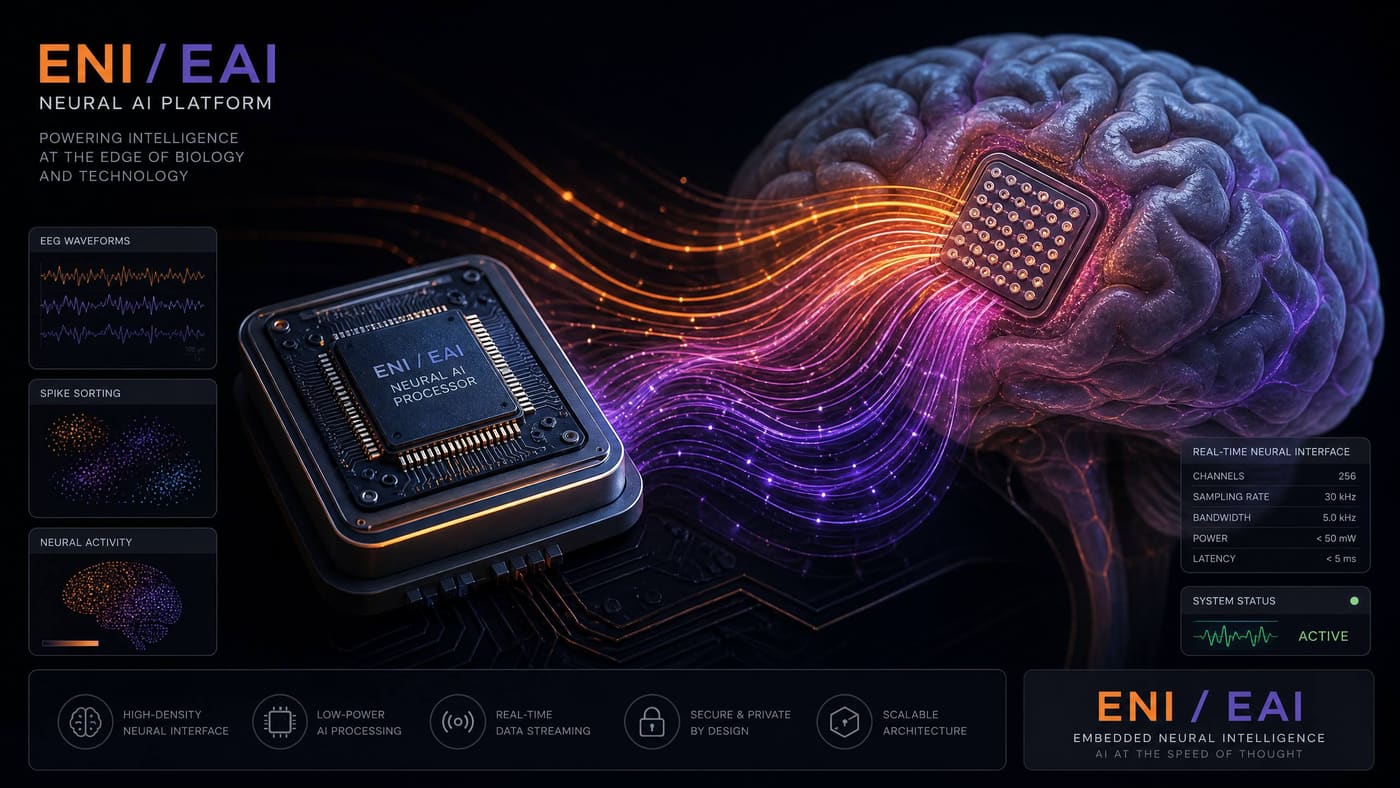
eAI — On-Device AI Inference Engine
TFLite · ONNX · GGUF · ReAct Agents · LoRA Fine-tuning
A full-stack on-device AI runtime for embedded systems. Runs LLMs, vision models, and audio classifiers on NPU, GPU, or CPU — with ReAct agent orchestration, LoRA fine-tuning, and federated learning, all within milliwatt power budgets.
How It Works
Step-by-step flow — from initialization to output.
Prepare and Quantize Your Model
Start with a trained model in TensorFlow, PyTorch, or ONNX format. Use eAI's model converter to quantize it to INT8 or 4-bit and generate an .eai bundle with the model, metadata, and calibration data.
# Convert and quantize a TFLite model
eai-convert model.tflite --quant int8 --calib calib_data/ --out model.eai

# Or convert from ONNX
eai-convert model.onnx --quant int4 --out model.eai
Deploy the Model Bundle
Copy the .eai bundle to the device (flash, SD card, or eDB). The eAI runtime loads it lazily — only the layers needed for the current inference are paged into RAM.
// Load model from flash
eai_model_t model = eai_model_load("model.eai", EAI_BACKEND_NPU);
if (!model) {
    model = eai_model_load("model.eai", EAI_BACKEND_CPU); // fallback
}Run Inference
Prepare input tensors, call eai_infer(), and read output tensors. The runtime automatically selects the best backend (NPU > GPU > CPU) based on availability and power budget.
// Image classification example
eai_tensor_t input  = eai_tensor_from_image(frame, 224, 224);
eai_tensor_t output = eai_tensor_alloc(1000); // 1000-class

eai_infer(model, &input, &output);

int class_id = eai_argmax(output);
float conf   = eai_softmax_max(output);
printf("Class: %d Conf: %.2f\n", class_id, conf);Use ReAct Agents for Multi-Step Reasoning
eAI includes a lightweight ReAct agent loop. Define tools (sensor reads, actuator calls, eDB queries), and the LLM agent will reason and act autonomously — entirely on-device.
// Define tools for the agent
eai_tool_t tools[] = {
    { "read_temp",    tool_read_temperature },
    { "set_fan_speed", tool_set_fan_speed    },
    { "query_db",     tool_edb_query        },
};

// Run the ReAct agent
eai_agent_t agent = eai_agent_create(llm_model, tools, 3);
eai_agent_run(agent,
    "The server room is overheating. Check the temperature "
"and adjust the fan speed to keep it below 25°C.");Fine-Tune On-Device with LoRA
eAI supports LoRA (Low-Rank Adaptation) fine-tuning directly on the device. Collect labeled examples, run a few gradient steps, and the model adapts to your specific use case without sending data to the cloud.
// On-device LoRA fine-tuning
eai_lora_config_t cfg = {
    .rank = 8, .alpha = 16,
    .layers = EAI_LORA_ATTN_LAYERS,
    .lr = 1e-4f, .epochs = 3,
};
eai_lora_train(model, labeled_dataset, &cfg);
eai_model_save(model, "model_finetuned.eai");
Usage Examples
Real-world scenarios showing eAI in action.
Always-on wake-word detection on a Cortex-M4 at < 1 mW, triggering a larger LLM on a more powerful core.
// Keyword spotting pipeline
#include <eai/audio.h>
#include <eai/model.h>

void audio_task(void *arg) {
    eai_model_t kws = eai_model_load("kws_hey_eos.eai", EAI_BACKEND_CPU);
    eai_audio_stream_t mic = eai_audio_open(MIC0, 16000, 1);

    for (;;) {
        // Collect 1-second audio window
        float mfcc[40 * 98];  // 40 MFCC × 98 frames
        eai_audio_mfcc(mic, mfcc, 1000);

        eai_tensor_t out = eai_infer_sync(kws, mfcc);
        if (eai_argmax(out) == KWS_HEY_EOS) {
            eos_event_set(WAKE_EVENT);  // Wake the LLM task
        }
    }
}
Features
The shape of eAI at a glance.
3 Model Formats
TFLite, ONNX, and GGUF (LLMs). One eai-convert CLI handles all three with INT8 and 4-bit quantization.
NPU / GPU / CPU Backends
Automatic backend selection. Falls back gracefully from NPU to GPU to CPU based on availability and power budget.
ReAct Agent Loop
On-device LLM agent with tool use. Define tools as C callbacks; the agent reasons and acts autonomously.
LoRA Fine-Tuning
Adapt models on-device with labeled examples. No cloud required. Rank-8 LoRA on 1B models in < 10 minutes.
Federated Learning
Aggregate model updates from a fleet of devices without centralizing raw data. Privacy-preserving by design.
< 5 mW Inference
Keyword spotting and anomaly detection at milliwatt power levels on dedicated NPU hardware.
Streaming Inference
Process audio, video, and sensor streams frame-by-frame without buffering entire inputs.
Model Versioning
Pin model versions in the firmware manifest. eBuild ensures the correct model ships with each firmware release.
Role in the EoS Ecosystem
Why eAI matters — and what breaks without it.
eAI is the intelligence layer of the EoS ecosystem. It transforms raw sensor data from eNI and the HAL into actionable decisions, natural language responses, and autonomous agent behaviors — all without a cloud connection. eAI is what makes EoS devices 'smart': a health device that detects arrhythmias, a factory robot that recognizes defects, a BCI prosthetic that decodes motor intent, or an edge server that answers questions about its own state. Without eAI, EoS devices are capable but reactive; with eAI, they become proactive and intelligent.
Depends On
Enables / Powers
Open source on GitHub
MIT licensed and developed in the open. Issues, discussions, and pull requests welcome.
In the EoS stack
eAI is highlighted in the layer below.
Pairs well with
Sibling components that eAI commonly works alongside.
Technical Specifications
| Supported Formats | TFLite (.tflite), ONNX (.onnx), GGUF (.gguf — LLMs) |
| Quantization | FP32, FP16, INT8, INT4 (4-bit) |
| Backends | NPU (vendor-specific), OpenCL GPU, XNNPACK CPU, CMSIS-NN (Cortex-M) |
| LLM Support | Llama 3.2 1B/3B, Phi-3 Mini, Gemma 2B, Mistral 7B (4-bit, high-RAM devices) |
| Vision Models | MobileNetV3, EfficientDet, YOLO-Nano, ResNet-50 (quantized) |
| Audio Models | Whisper Tiny/Base, wav2vec2, keyword spotting CNNs |
| Agent Framework | ReAct loop with C-callback tools; JSON-schema structured output |
| LoRA Rank | Configurable (4, 8, 16, 32); targets attention layers by default |
| Minimum RAM | 128 KB (keyword spotting); 512 MB (1B LLM at 4-bit) |
| License | MIT |